Endpaper
A refined, self-hosted home for your ebook library.
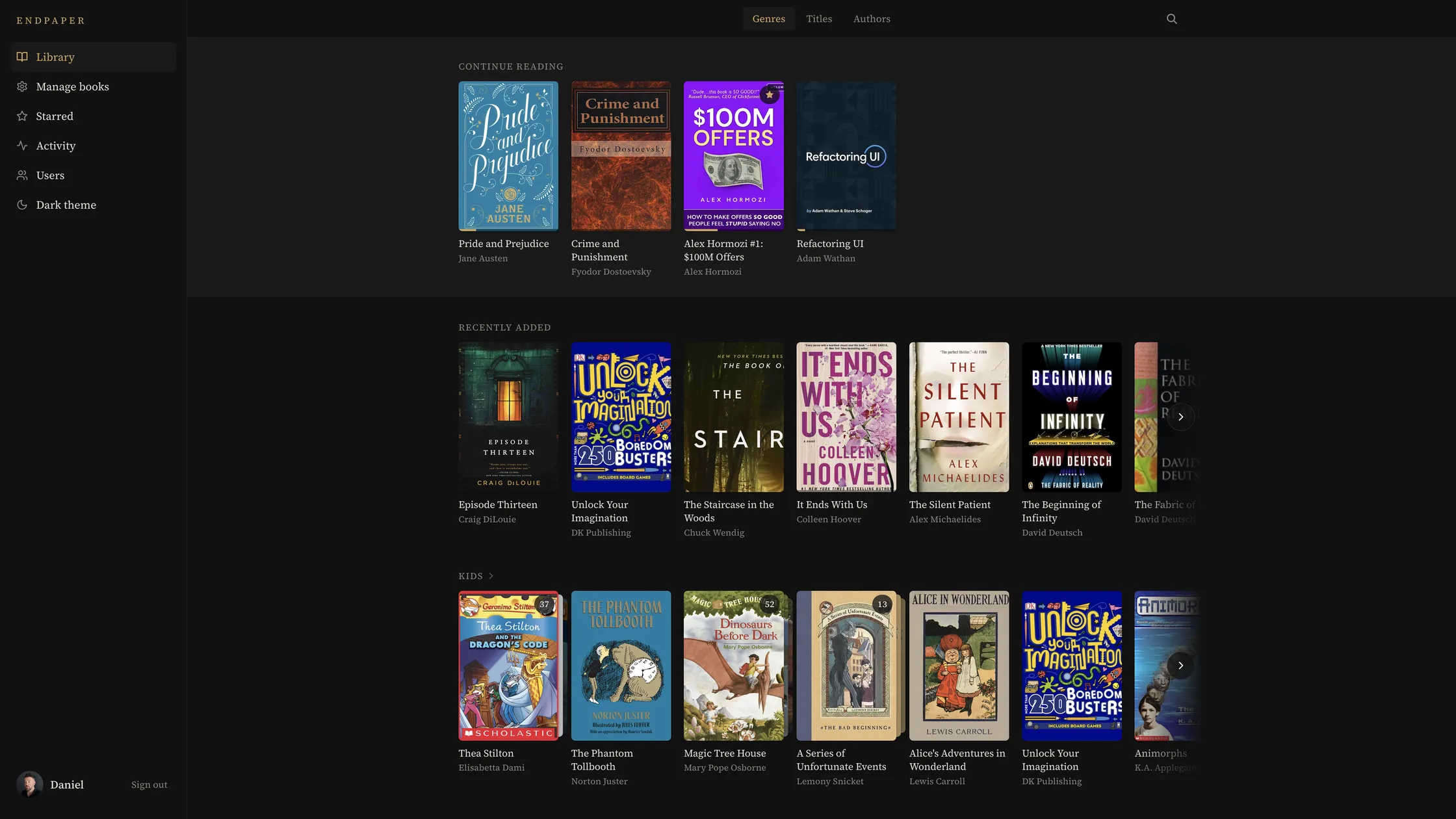
Amazon steals your purchased books whenever they decide. Your private library is tied to an account they control. They use DRM to act as your digital parents. Fleeing Kindle is a good idea.
However, existing free ebook servers are a pain to set up and manage, and the experience is clearly designed by engineers for other engineers. I wanted an ebook server for my whole family, and I wanted the design to be as refined as the best books in my collection.
In short, I wanted to build the Jellyfin of ebooks; your books stay yours, and you still get a best-in-class experience.
So I designed and built it. Amazon doesn’t own your books, and it’s simple enough that a 7-year-old will love it. The server runs on Linux, macOS, or Windows via WSL, and it’s accessible from any device with a browser. And it’s a progressive Web app, so you can install it to your phone’s home screen.
The process
Unlike days gone by, I did not draw a complete app in Figma, build it, notice issues, and repeat. I iterated in real, working software using Claude Code. Pictures are not apps, and iterating on a real app allows for dramatically faster and more accurate feedback loops. This method of working is faster and more fun than handing off mockups.
Sometimes I would begin working on a feature using a paper sketch, sometimes I would ask Claude to produce an ASCII rendering in the terminal so I had something concrete to iterate on cheaply:
┌──────────────────────────────────────────────────────────────────┐
│ ⟦E⟧ ENDPAPER    Library   Stats   Users        [ ⌕ Search ]   ◉ │
├──────────────────────────────────────────────────────────────────┤
│                                                                  │
│   CONTINUE READING                 STARRED                       │
│   ┌──┐ ┌──┐ ┌──┐                   ┌──┐ ┌──┐                     │
│   └──┘ └──┘ └──┘                   └──┘ └──┘                     │
│ ┄┄┄┄┄┄┄┄┄┄┄┄┄┄┄┄┄┄┄┄┄┄┄┄┄┄┄┄┄┄┄┄┄┄┄┄┄┄┄┄┄┄┄┄┄┄┄┄┄┄┄┄┄┄┄┄┄┄┄┄┄ │
│           Genres   Titles   Authors            + Add books      │  ← sticky strip
│ ┄┄┄┄┄┄┄┄┄┄┄┄┄┄┄┄┄┄┄┄┄┄┄┄┄┄┄┄┄┄┄┄┄┄┄┄┄┄┄┄┄┄┄┄┄┄┄┄┄┄┄┄┄┄┄┄┄┄┄┄┄ │
│   RECENTLY ADDED                                                 │
│   ┌──┐ ┌──┐ ┌──┐ ┌──┐ ┌──┐ ┌──┐                                  │
┌────────────────────────────┐
│ ⟦E⟧ ENDPAPER     ⌕  +  ⚙ ◉│   ← + goes straight to Add books
│                            │
│  CONTINUE READING          │
│  ┌──┐ ┌──┐ ┌──┐            │
│  └──┘ └──┘ └──┘            │
│                            │
│   Genres  Titles  Authors  │
│  ──────────────────────────│
As always, AI was not free:
For interaction and visual design, it’s more or less useless on its own. If concrete direction isn’t provided, the output is at best a technical proof of concept, not something to inflict on a human being. Everything down to the pixel value and millisecond must be molded directly, even if it’s done in natural language.
It’s better at code, but… occasionally I would have to catch architectural drift, like the agent starting to treat helper JSON as the source of truth rather than the DB. I had to walk it through the process of logging and debugging a problem with pagination in the book viewer for some time. A few seconds of looking at the DOM in Inspector can save half an hour of an agent trying to guess at a solution from screenshots. And before loosing an agent on a new feature, it’s still a good idea to have a detailed pre-flight conversation about software architecture.
Visual design
I’ve had a particular fondness for drop caps since at least 2009, when Jessica Hische launched her Daily Drop Cap project. Endpaper was the perfect excuse to use one as a brand mark. I chose a Kelmscott woodcut initial from the 1890s to lend the gravitas of an old book to the experience.

Drop cap aside, type is Source Serif 4 throughout, styled with plenty of variety using only the one family.
Continue reading
A Farewell to ArmsGenresTitlesAuthors
0 starred books
2 minutes read
Endpaper
The palette is a classic book. Gilded lettering and edges, creamy aged paper, dark cloth binding.
Use of motion is restrained. There are little details, though, like a stack of books representing a series fanning out a bit when hovered. When building that detail, I made the mistake of first giving Claude generic instructions here (“stack, fan on hover”). The result was a randomly askew pile which would have been great for a kids’ app but hardly worthy of The Elements of Typographic Style.
The code is the experience
Given my desire to make this easy to deploy on any system and view it on any device, I went with a single Go binary which embeds a PWA, and used SQLite for persistence.
I did not use any front end framework more opinionated than Preact (3 KB of JavaScript, purely for managing state). No boilerplate CSS, no pre-built form components. Everything designed to speak the brand.
The reader view is the place where I had to get the most technically involved. One example: PDFs are slow to render, but I wanted snappy pagination and the ability to scrub through a book without ever seeing a characteristic PDF blank white page.
To accomplish this, I designed a system whereby each page in the book got rendered to a flat image file at import time, and the reader loads the current page and the adjacent ones in the background. And to make scrubbing even more performant, the whole book is rendered at a small size in a grid, so that scrub performance is not gated on lots of individual image fetches.
Before: Swipe to the next page, seeing blankness where that page should be. Wait a couple of seconds. Eventually the page renders.
After: Swipe as fast as you want, through as many pages as you want, and never see a millisecond of loading. The content flows beneath your finger.
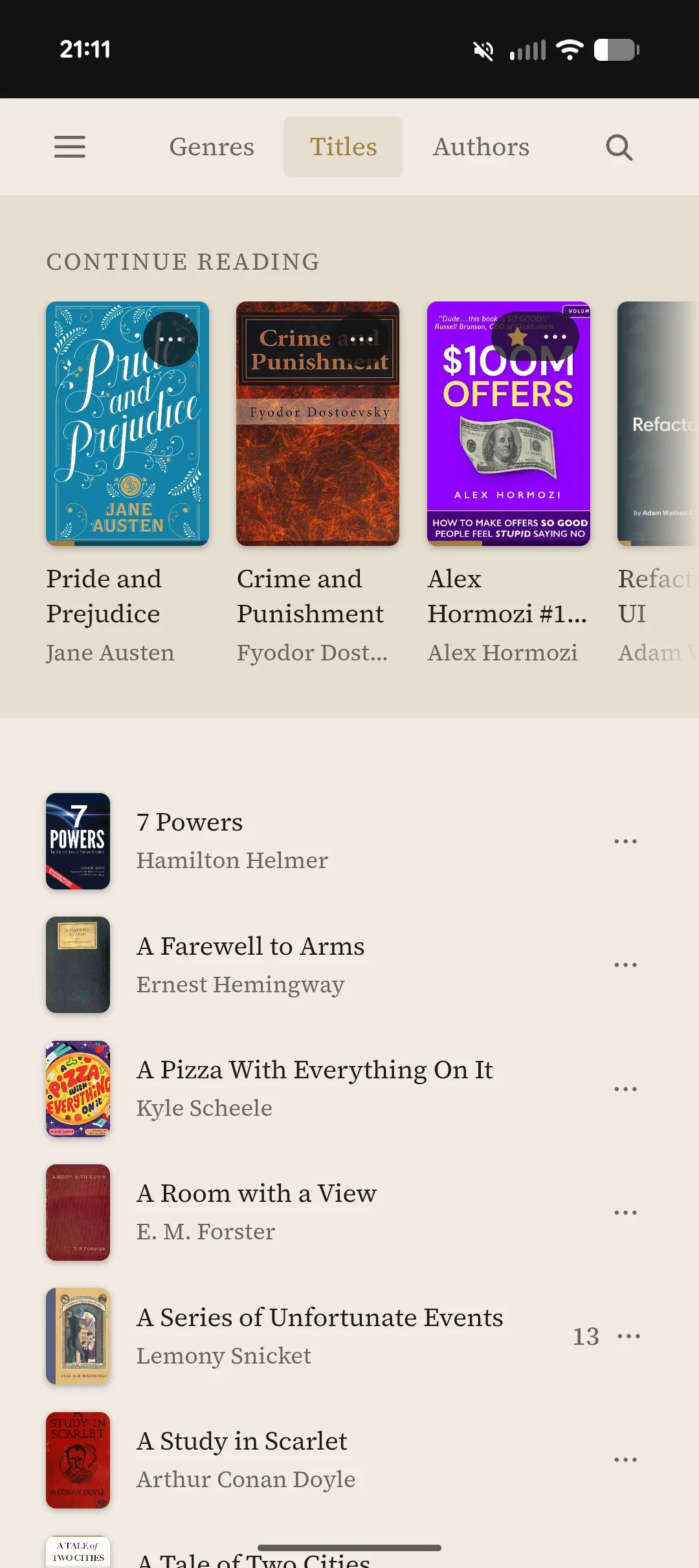
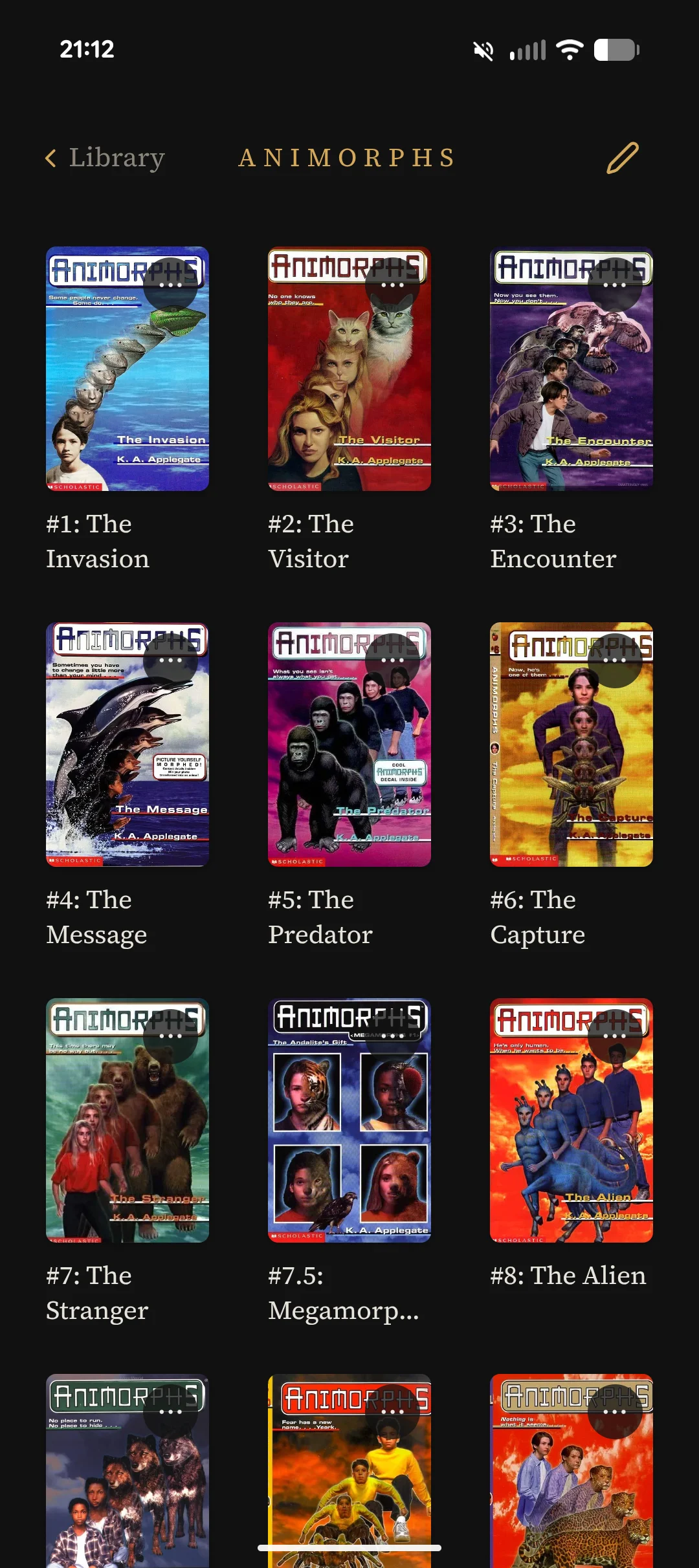
The library view
I started with a simple, static page which lists the books and gives me a reader view for them. This was not as delightful or content-focused as it could be, and therefore didn’t appeal to my youngest users the way it could.
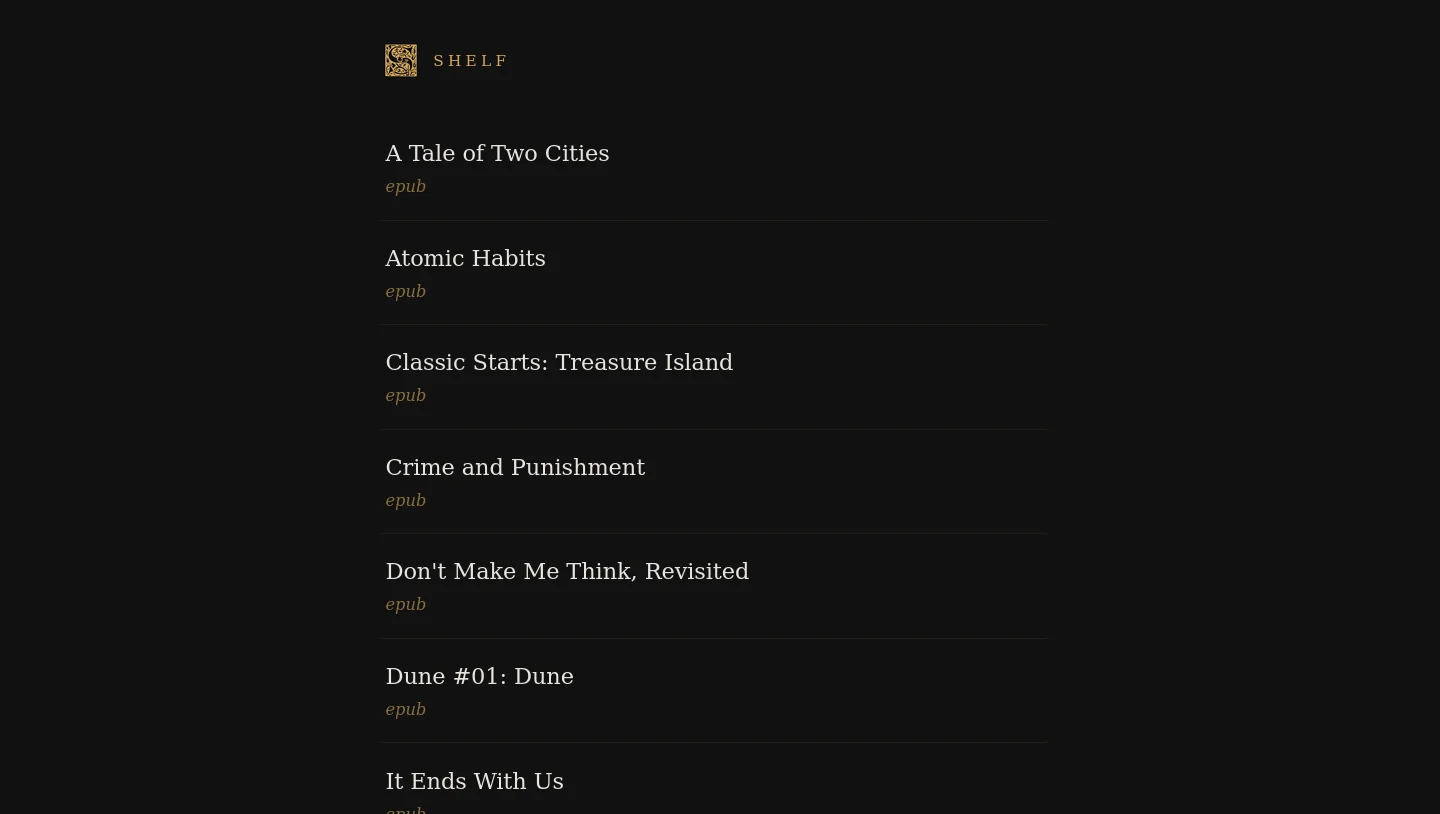
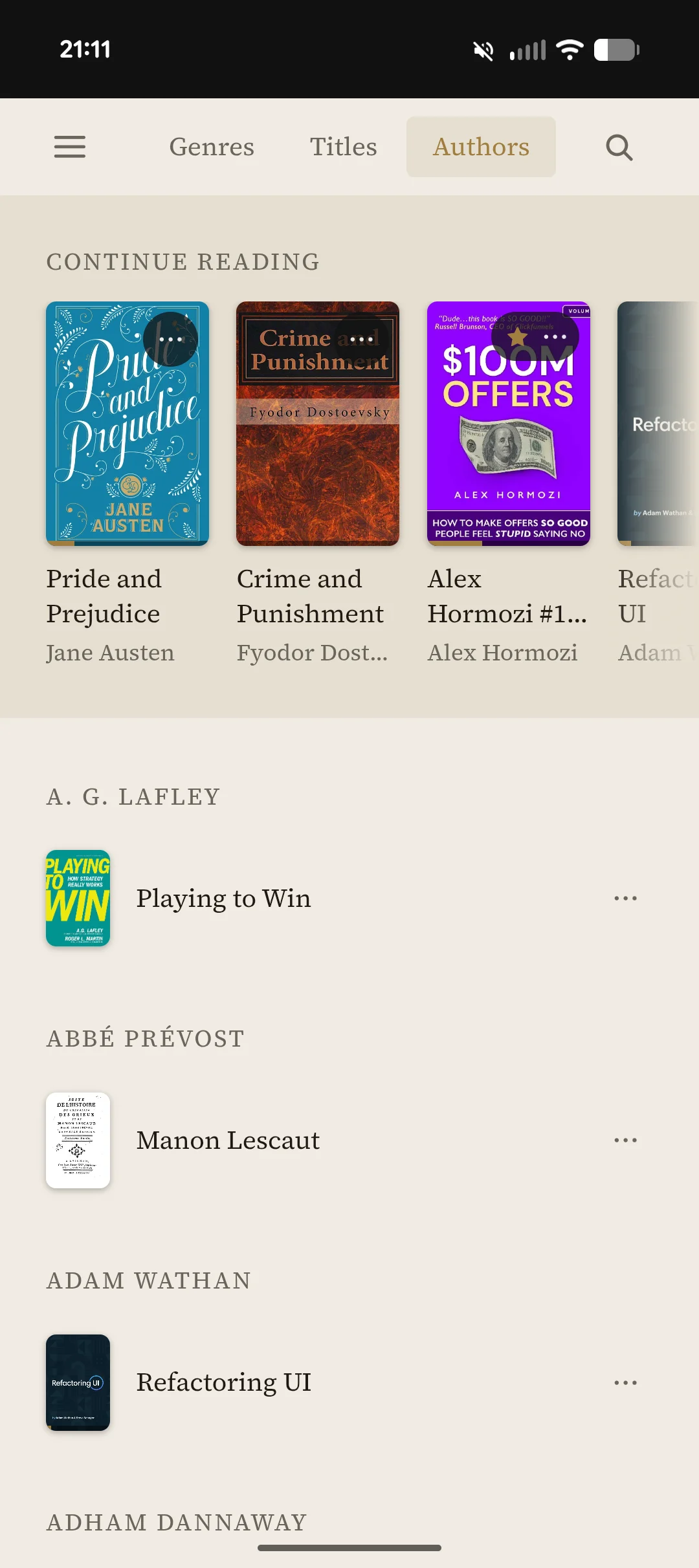
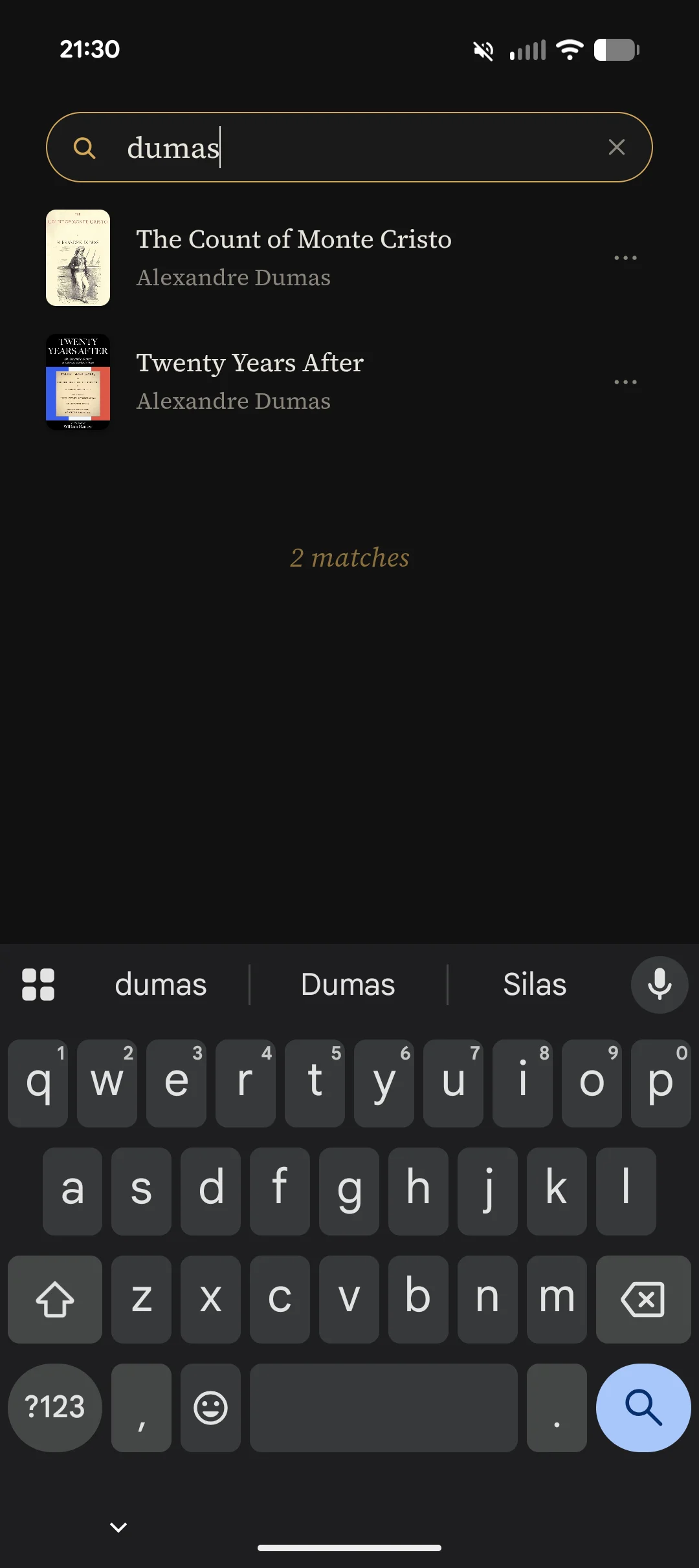
The better UI is to present covers (for users to judge the books by, of course). I pulled cover imagery from the books themselves, and made it possible to easily pull better ones from OpenLibrary where appropriate.
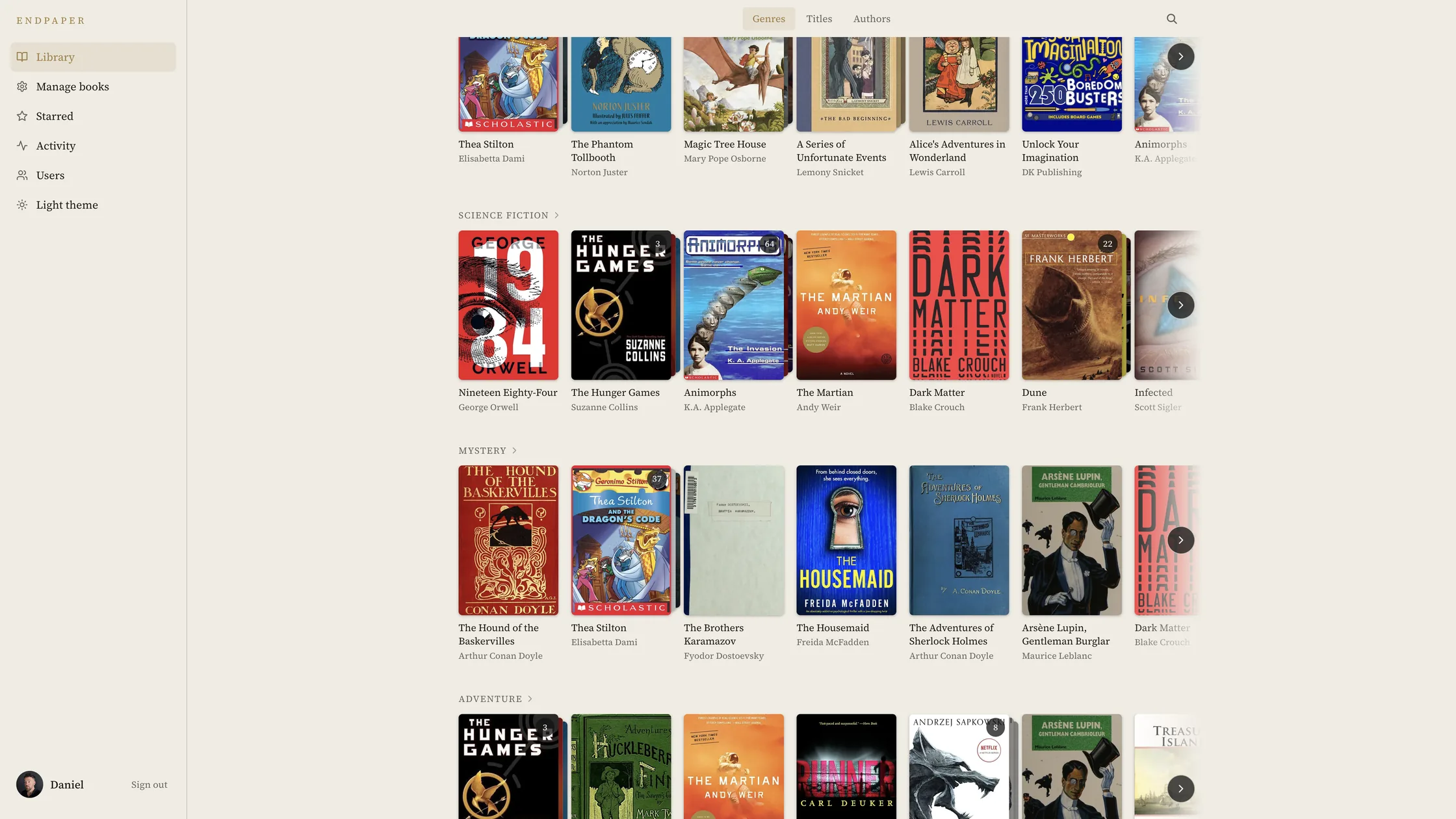
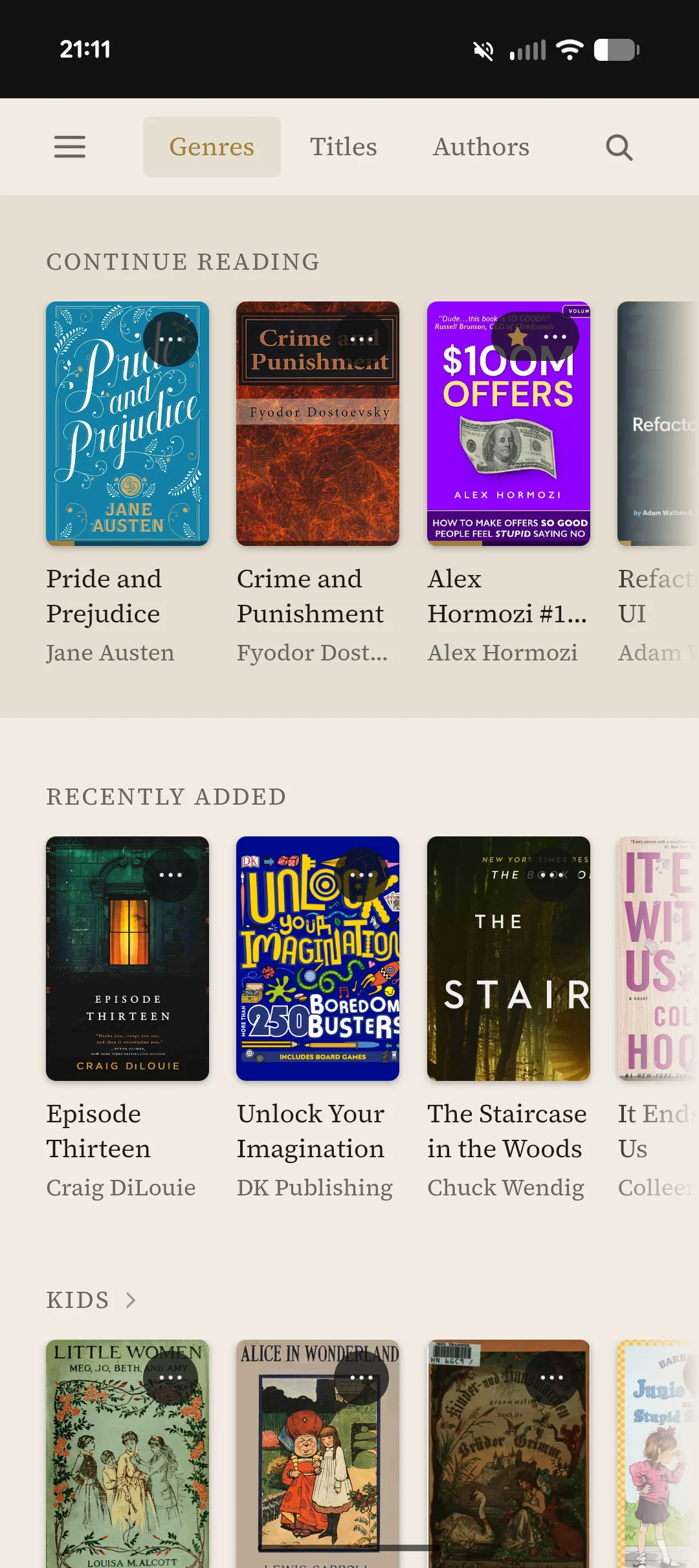
To make it easier to find relevant books in a large library, I split them into rails by genre. Those rails rotate a selection of 16 books daily to keep recommendations fresh. (The Recently Added section shows the last 16 or the last 7 days, whichever set is larger; this makes it more convenient to clean up metadata for newly imported books.)
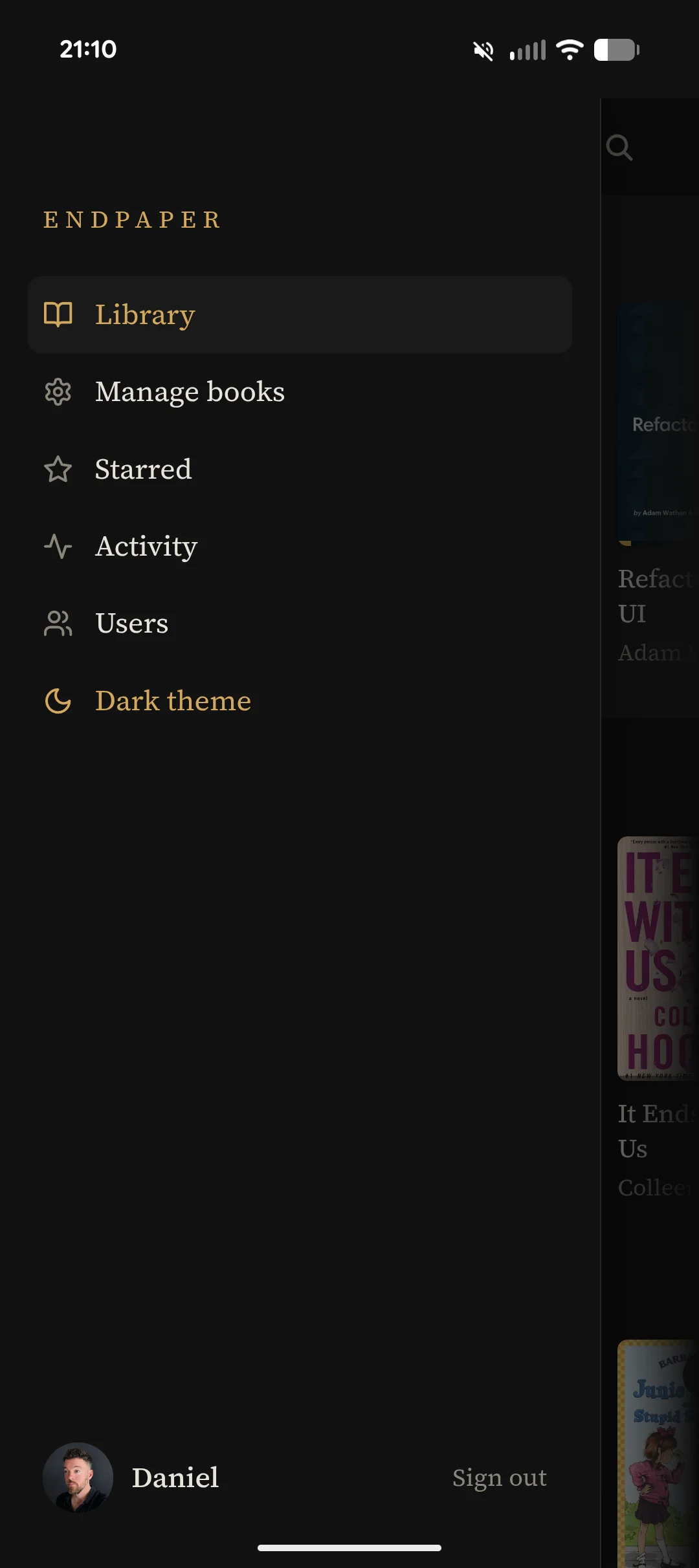
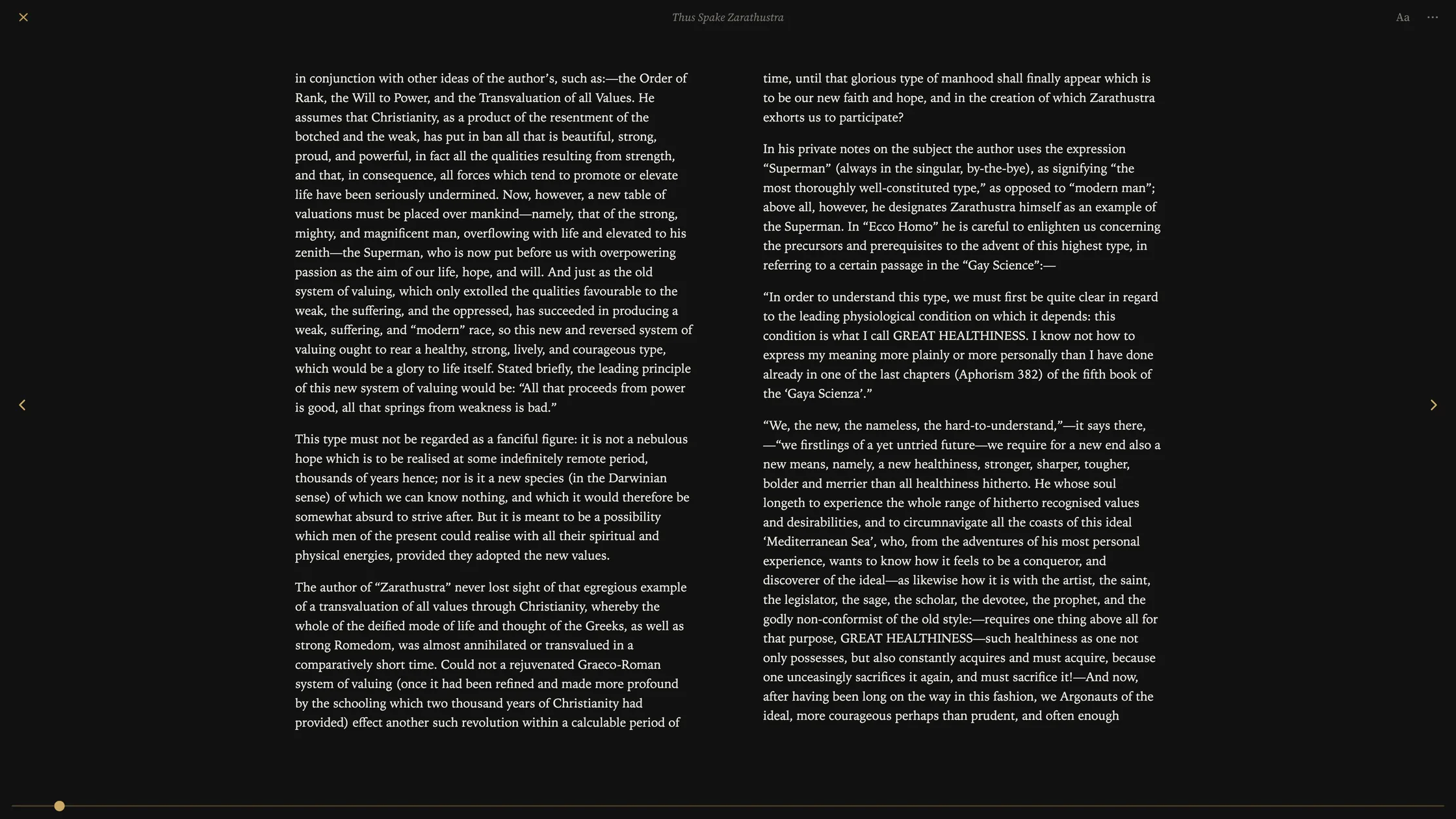
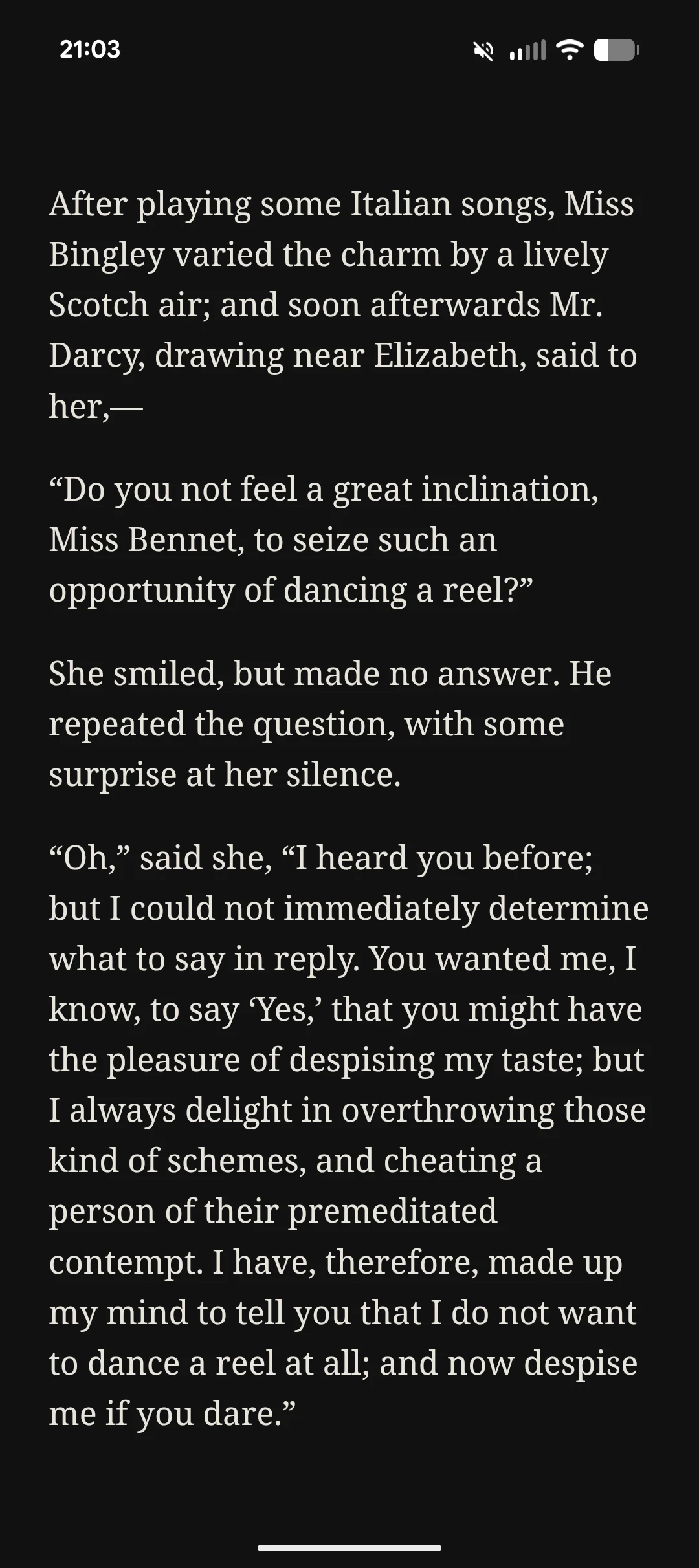
Navigation is handled in a menu sheet on mobile and a persistent sidebar on desktop. It prominently includes easy switching between dark and light modes, which is essential for a great reading experience.
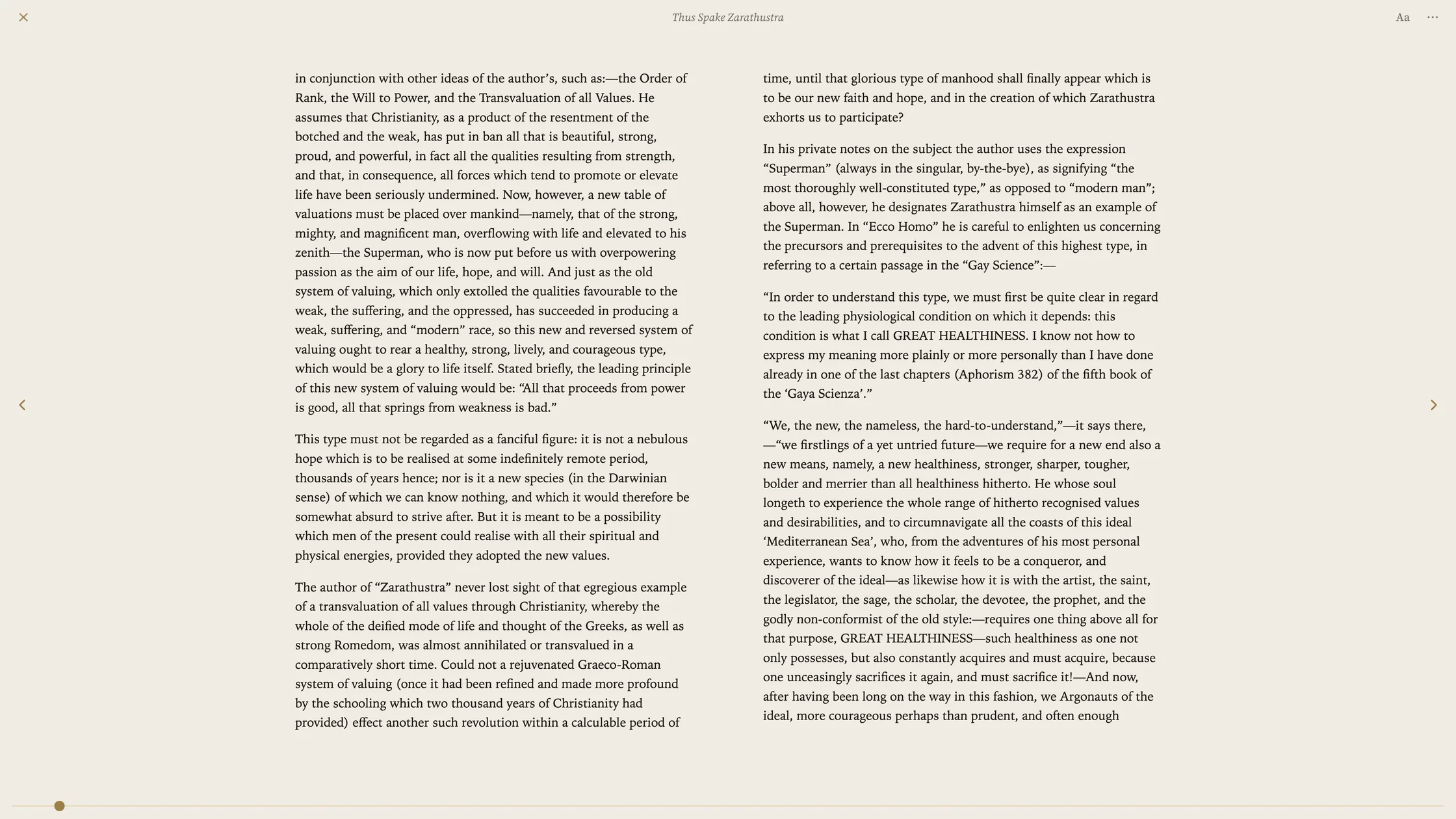
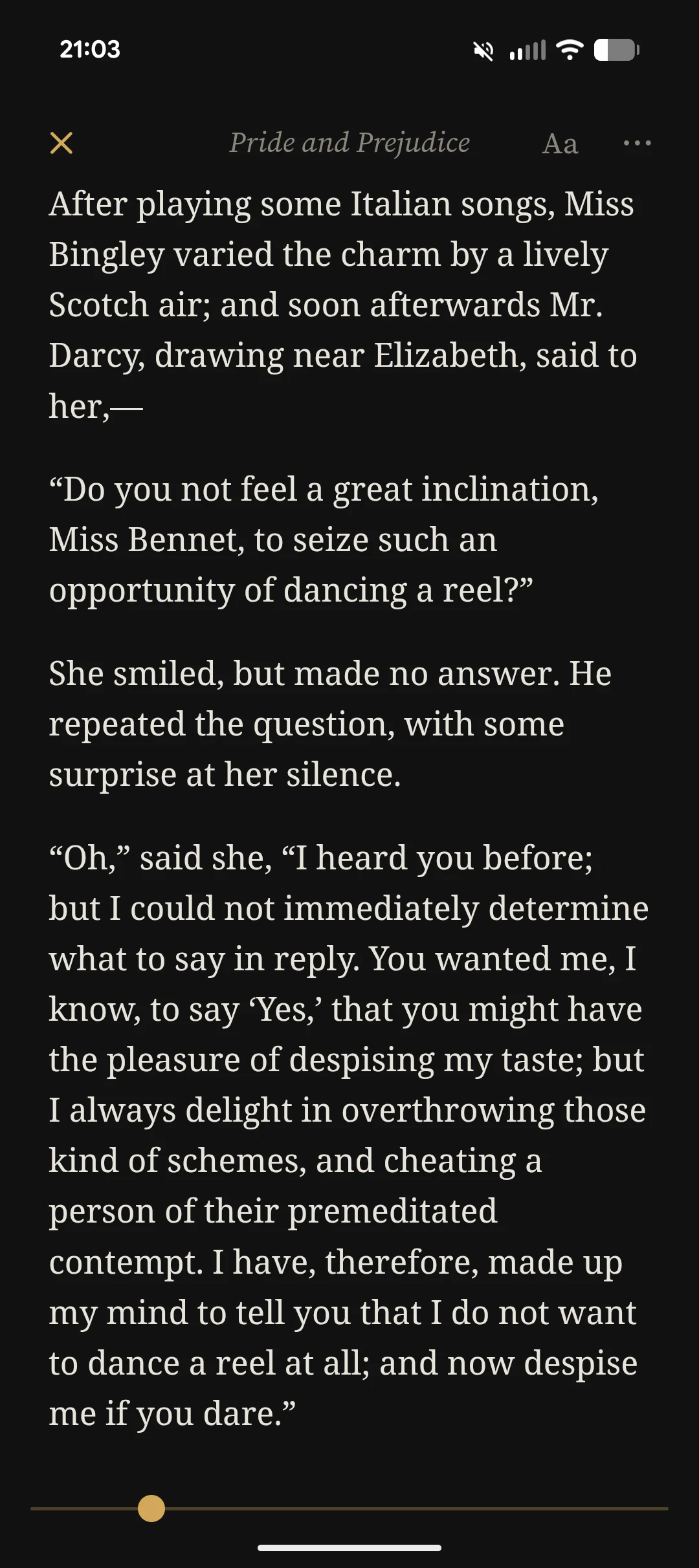
The reader view
EPUB and other text-based books are handled by one reader, PDF by another. This technical detail is hidden from the user; perceptually, there is one reader. Controls are kept to a minimum and hide by default on mobile.
Stats
One of the central concerns of someone running an ebook server for their family: What are the kids reading? How much are they reading? I built a stats page to see the user’s own reading stats and those of the people they care for:
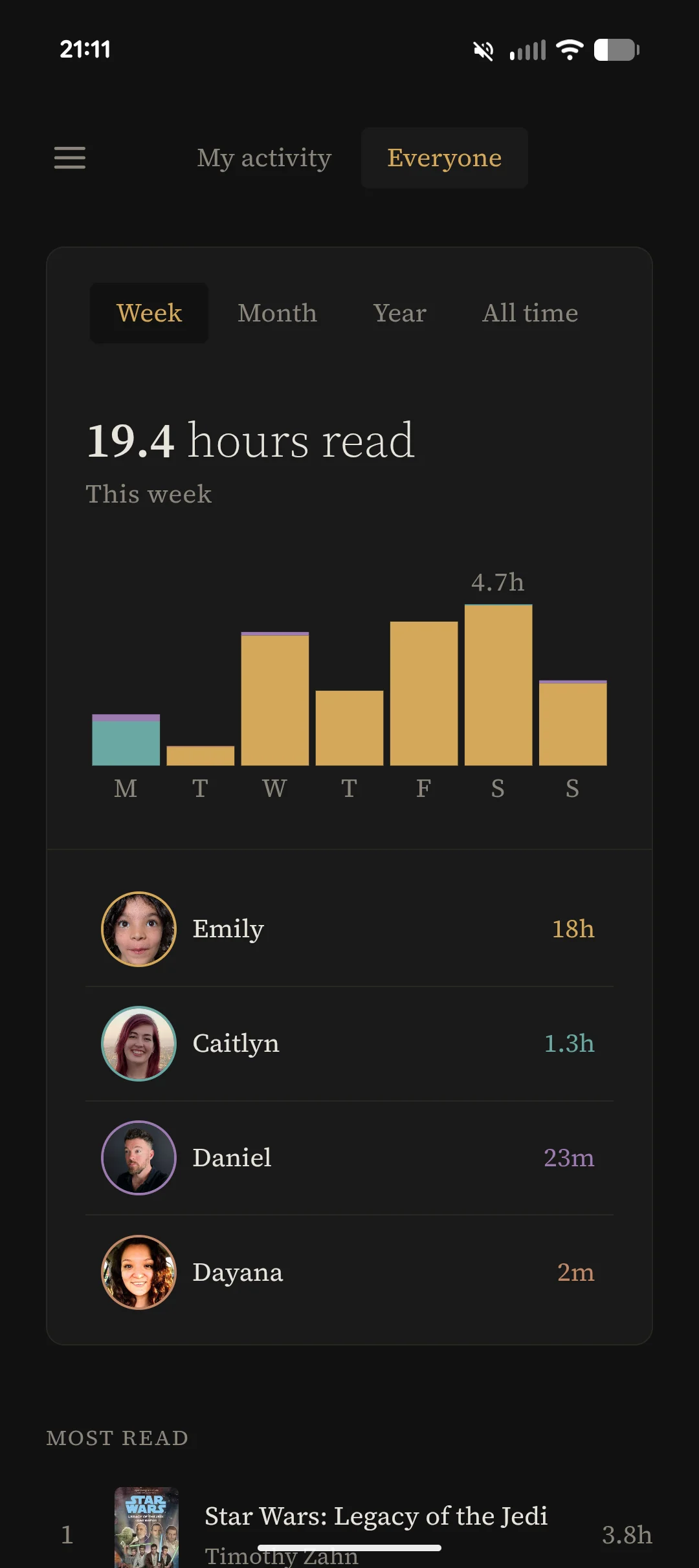
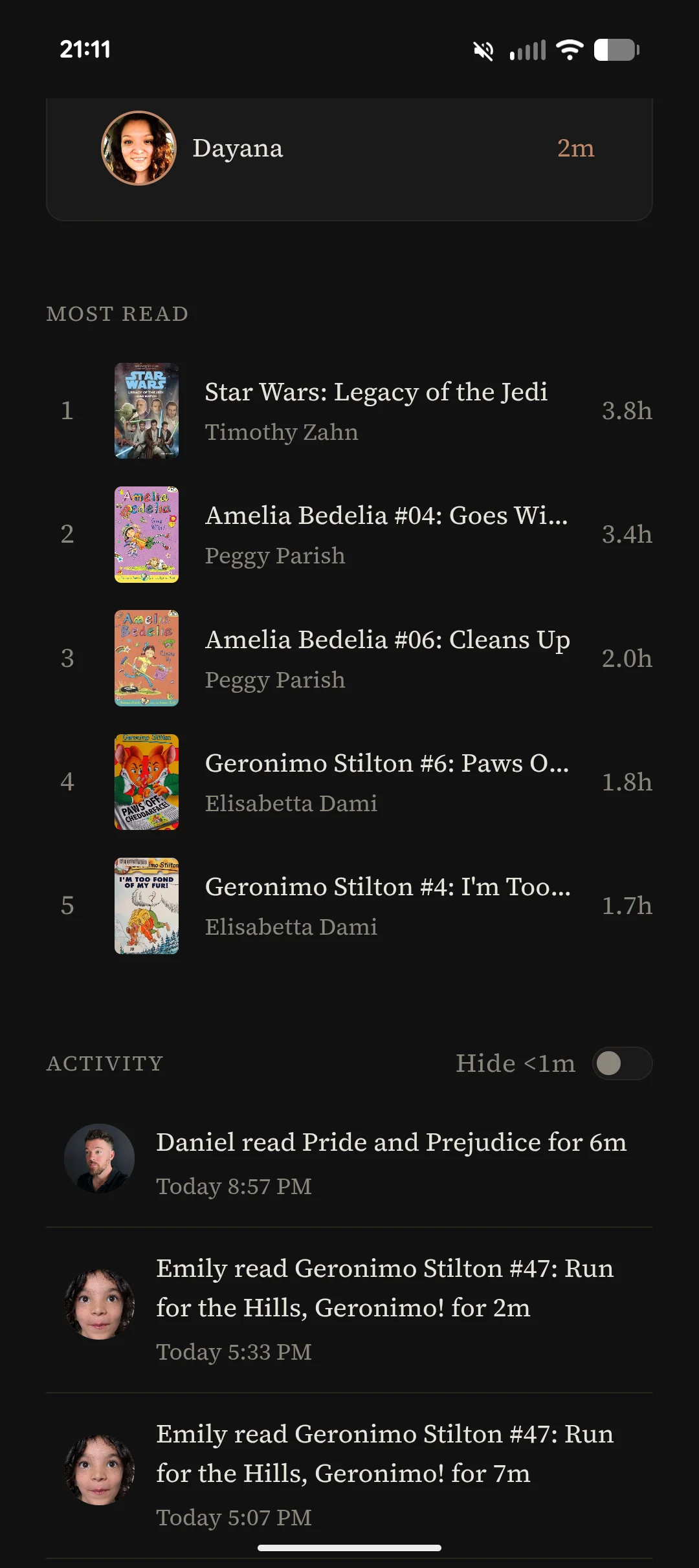
Users are color-coded as a legend for the bar graph.
People will often open a book for only a few seconds, either by accident or to evaluate prior to committing. A “Hide <1m” toggle is very useful for separating signal from noise.
Users and signing in
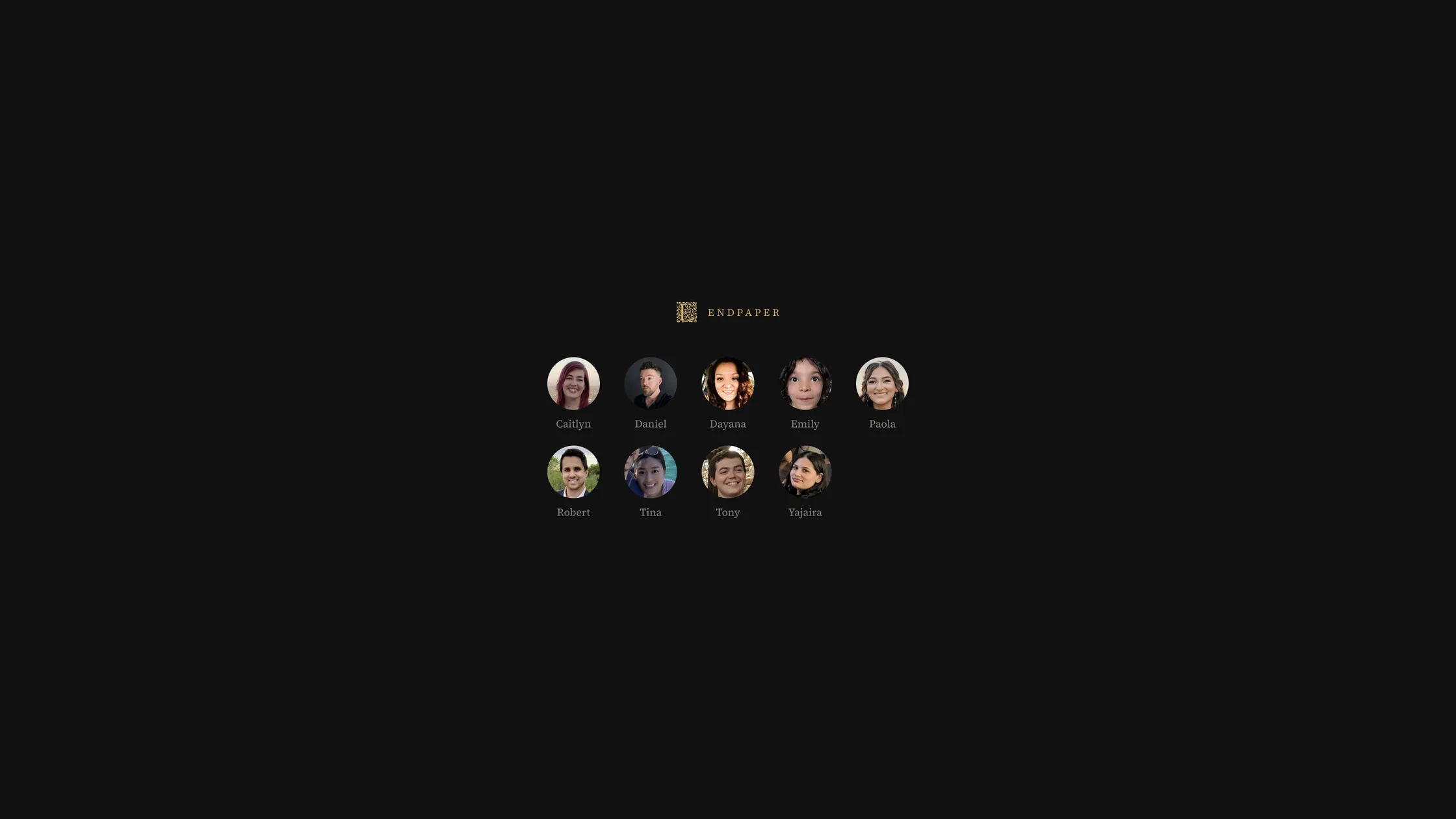
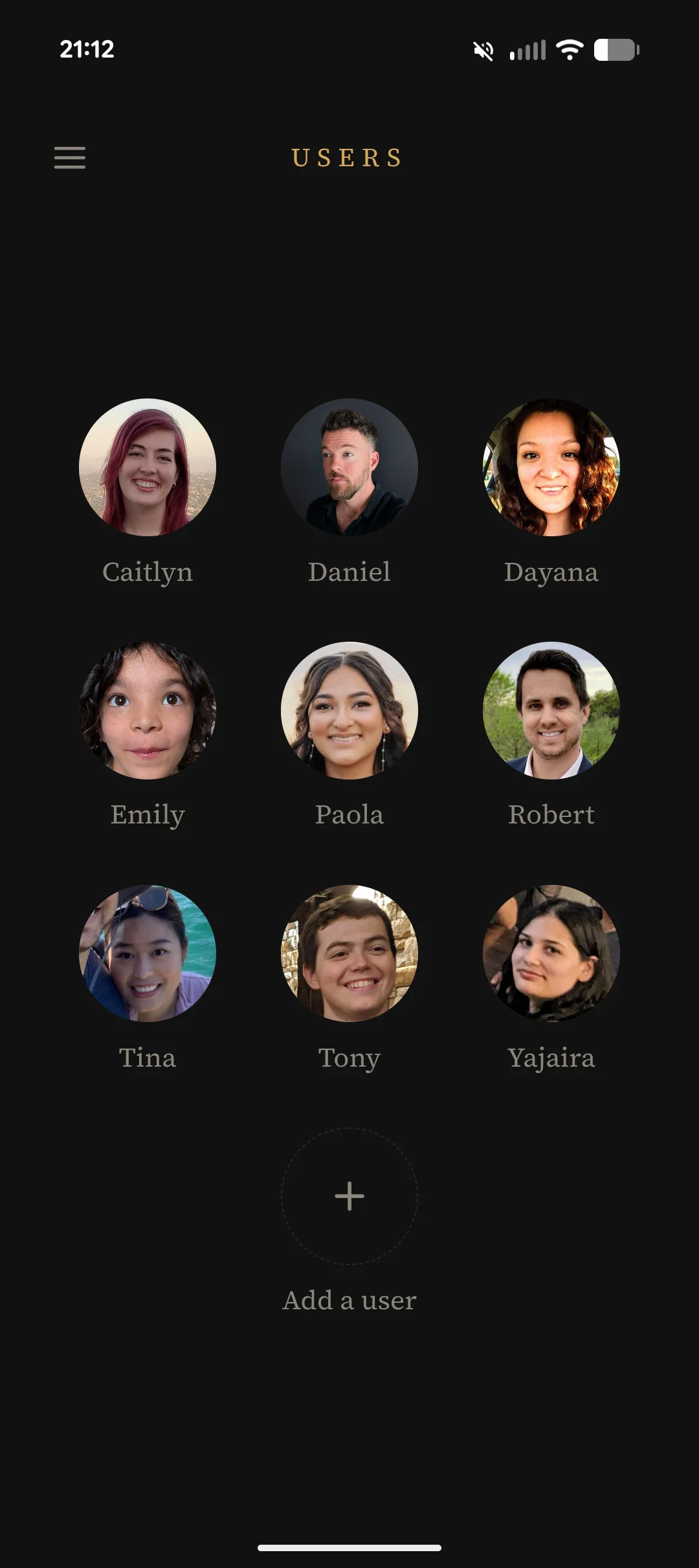
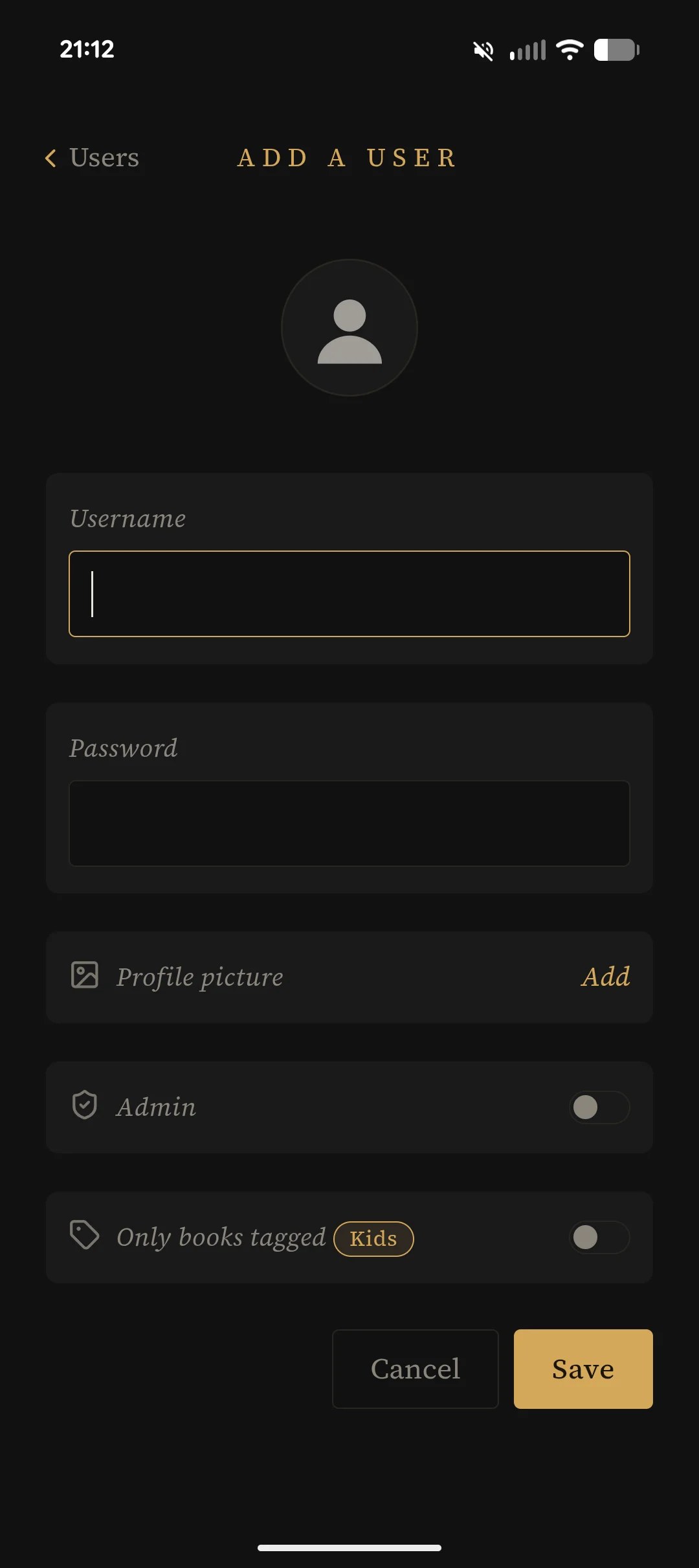
Because the server is shared only with people the admin knows, a Netflix-style profile picker sign in is possible. This makes sign-in for kids especially easy.
Outcome
Endpaper is my extended family’s ebook server. My 7-year-old daughter uses it without help every night before bed. As it has proven itself in our use, I’m now making it generally available, first via a CLI install, later as per-platform binaries. Check it out at endpaper.org.